Teach the same foundations at every workplace
A presenter view with notes and one step per click. The manager at every workplace can run the same session with the same words. PDF and PowerPoint are included.
You bring the presentations, documents and recordings. We turn them into finished training with short chapters, speaker notes and knowledge checks. Managers run the sessions, staff revise on their phones and we keep the material up to date.
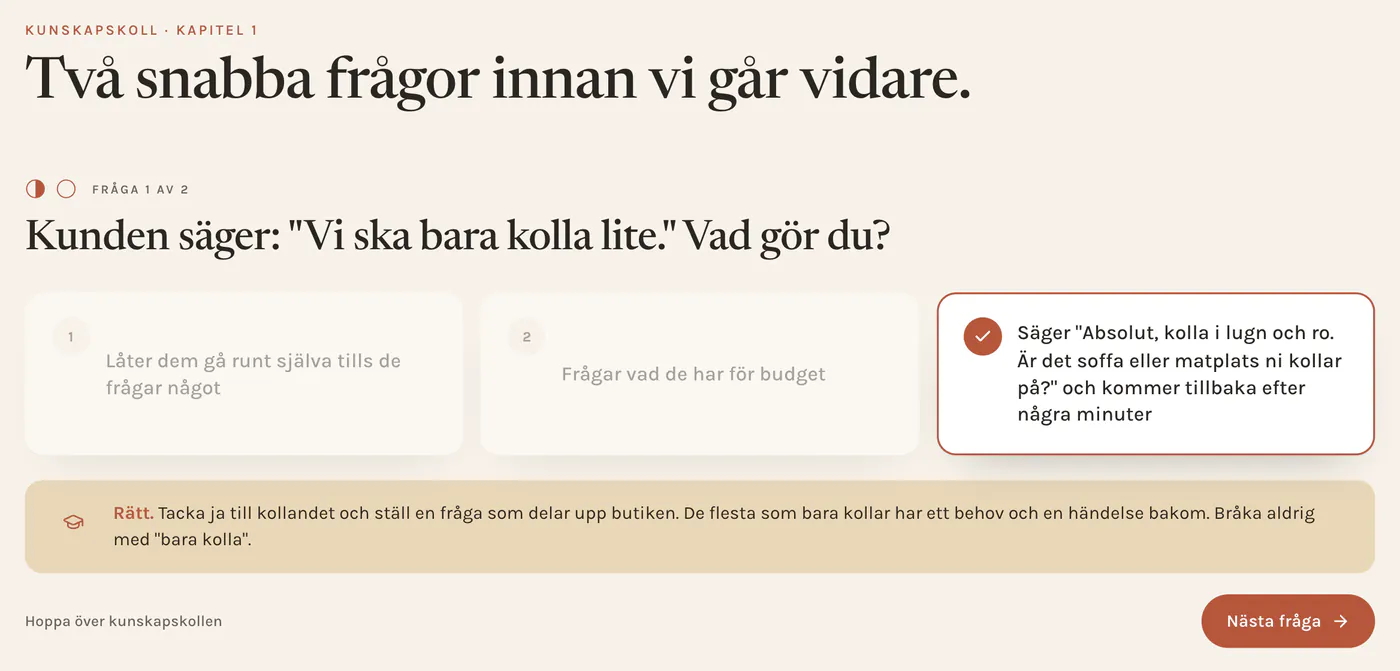
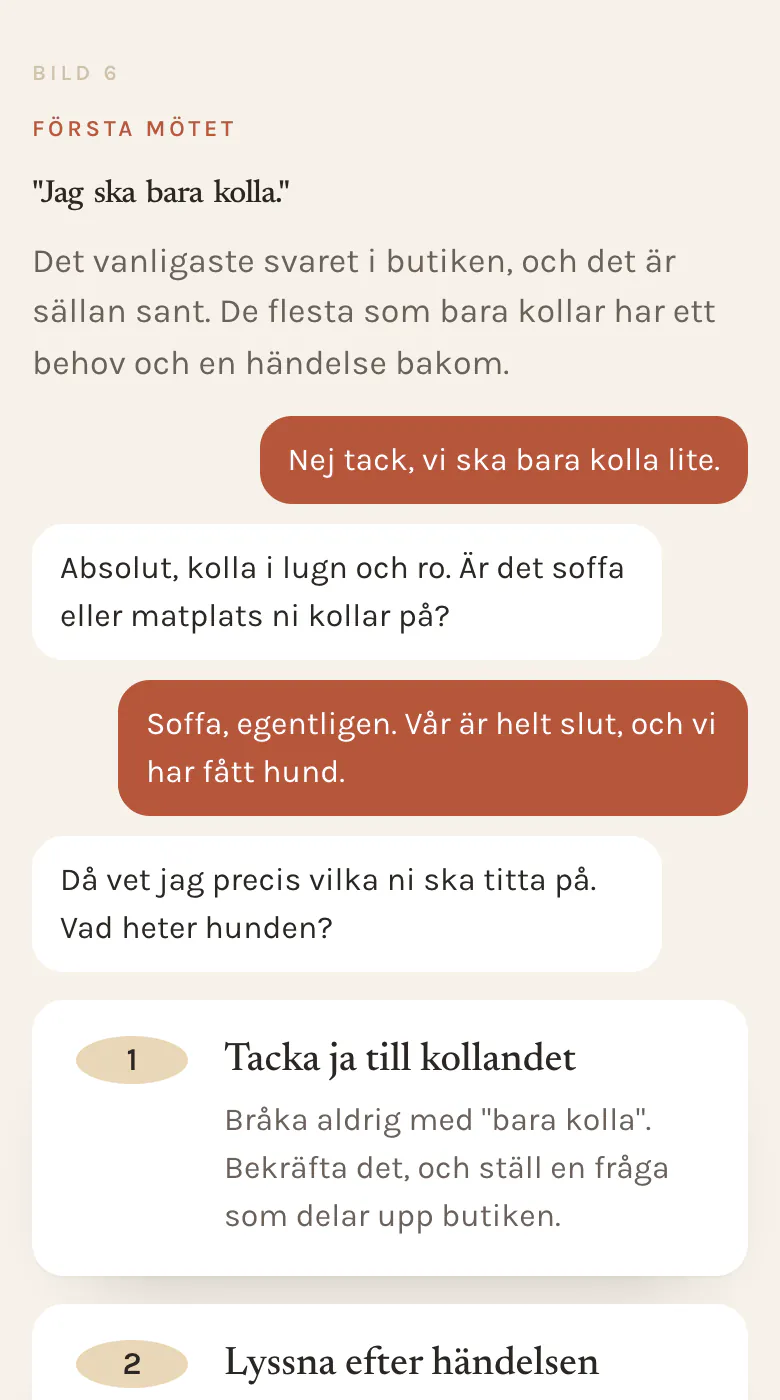
Before and after
A presentation sits in a folder. Changes are sent by email and different versions of the material remain in use.
Staff open the training at the same address. When something changes, we update the relevant material and publish it after your approval.
Try a chapter (in Swedish)What you get
A presenter view with notes and one step per click. The manager at every workplace can run the same session with the same words. PDF and PowerPoint are included.
Staff read on their phones and take the knowledge check with feedback on their answer. Anyone who missed the session can catch up on their own. Managers can see what needs revision.
A procedure or product chapter is close at hand during the working day. When a price, a product or a procedure changes, you email us. We update the training, the PDF and the knowledge checks and send the change to you for approval.
Want to practise customer conversations with simulators and exercises, or build a product guide? See how we connected training, practice and customer support in a bespoke build. We quote a separate fixed price for these builds after a review.
Follow-up
Staff see their own results. The manager sees their team: who has completed the training and how the knowledge checks went. What is stored and for how long is agreed with you before we start, and we sign a data processing agreement when one is needed.
After 60 days we review usage together and adjust the training where needed.
TRY A KNOWLEDGE CHECK / SAMPLE DATA
Correct. The current procedure is in the staff room. The example manager view shows that Alex has completed the knowledge check and answered correctly.
MANAGER VIEW / FICTIONAL EMPLOYEE
The manager sees completion and results. This is only an example; nothing is saved.
Recorded lectures
Record an internal training session or a supplier's presentation, with the speaker's permission. We turn it into chapters, key points, a knowledge check and a short summary to keep at hand. Names and figures are checked against the source.
Each month includes a new training module or a recorded lecture.Lectures up to 90 minutes. Extra lecture SEK 1,490.
Price
You pay per company, not per employee. The setup fee starts at SEK 39,000 for up to ten training modules and is invoiced only once you have approved the first delivery. We keep doing the content work each month: up to ten small changes and a new training module or a recorded lecture of up to 90 minutes. Hosting and login are included.
Start with a trial build: after a 30-minute demo with the decision-maker, you send a presentation of up to 40 slides. We build it within a week of receiving the material. If you say no, it costs nothing.
All prices and termsPersonalrummet
Price per company and month, excl. VAT. Setup from SEK 39,000. Twelve-month agreement.
Editing your own text
A designated content editor can update existing training texts and workplace guides in Personalrummet's training app. We agree which modules are covered and show you how the editor works.
Edit the title, summary, source details, chapter text, examples and workplace guide. The published course stays available while you work.
Preview the text alongside the knowledge checks and assessment criteria. Once you have checked they still match, publish a new version. If the questions or criteria need changing, we help you.
See previous versions and copy one into a new draft. Current assignments and past results keep their original version. The manager chooses when to assign the new version.
The editor changes text in existing modules. We handle new chapters, knowledge checks, assessment criteria, layout, images, file uploads and PDF/PowerPoint. Editing other modules and separate customer portals is agreed individually.
You can keep letting us do the content work, or do more yourselves with a separate hosting and support agreement. See the delivery options.
Next step
Start with a 30-minute demo with the person who makes the decision at your company. We show a finished example and choose together which presentation suits a free trial build. We reply within one working day with suggested times.